
Build next week’s schedule
Assign people and roles, and account for time off and availability. Save templates for shifts that come around each week.
Staff scheduling in TitanPlanEmployee scheduling and time tracking
Bring scheduling and time tracking together. Plan shifts, handle changes and review hours before payroll. Your team can check the schedule in the app.
We’ll contact you about setup and your 30-day free trial.
Build the schedule Manage shift swaps Review hours Send hours to payroll
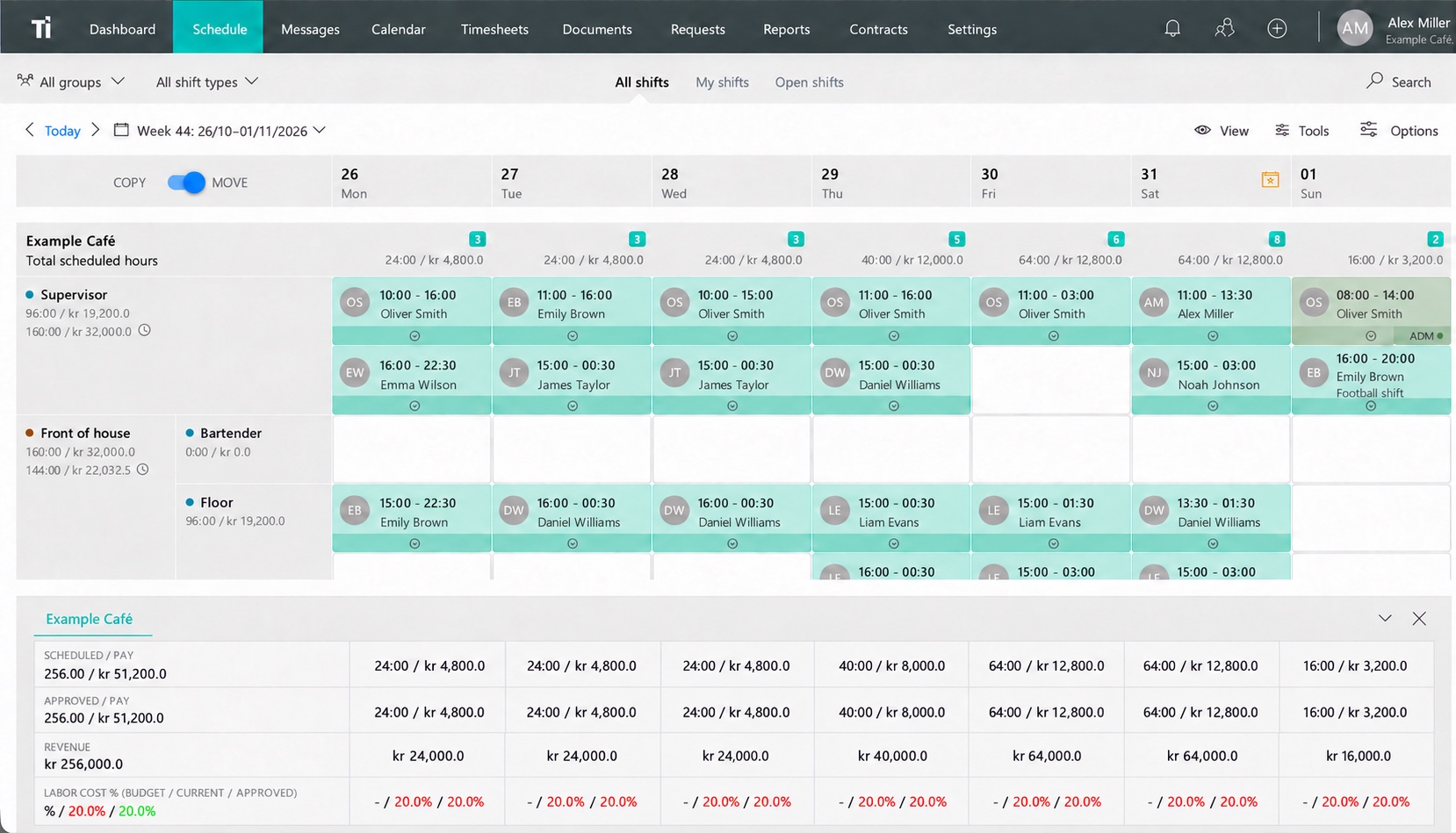
Assign shifts, keep changes in the schedule and approve recorded hours before sending them to payroll.
Used by teams at






Fårup Sommerland has been a customer for 6 years. Kjær & Sommerfeldt, Fiskebaren and Svinkløv Badehotel have each been customers for over 5 years.
Let DataLøn fetch recorded hours and allowances for payroll, or bring sales from OnlinePOS into TitanPlan to see the day’s labor cost percentage.
Explore integration options Calculate labor cost percentage ↗Scheduling with TitanPlan
People need time off, shifts need covering and plans change. Handle those changes in the same place you build the schedule.
Assign people and roles, and account for time off and availability. Save templates for shifts that come around each week.
Staff scheduling in TitanPlan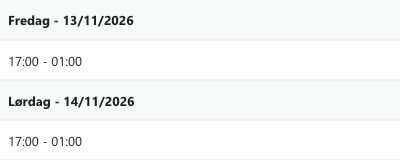
Let employees volunteer for extra shifts or suggest a swap. Review the changes and see the updated staffing in the schedule.
Shift swaps and open shifts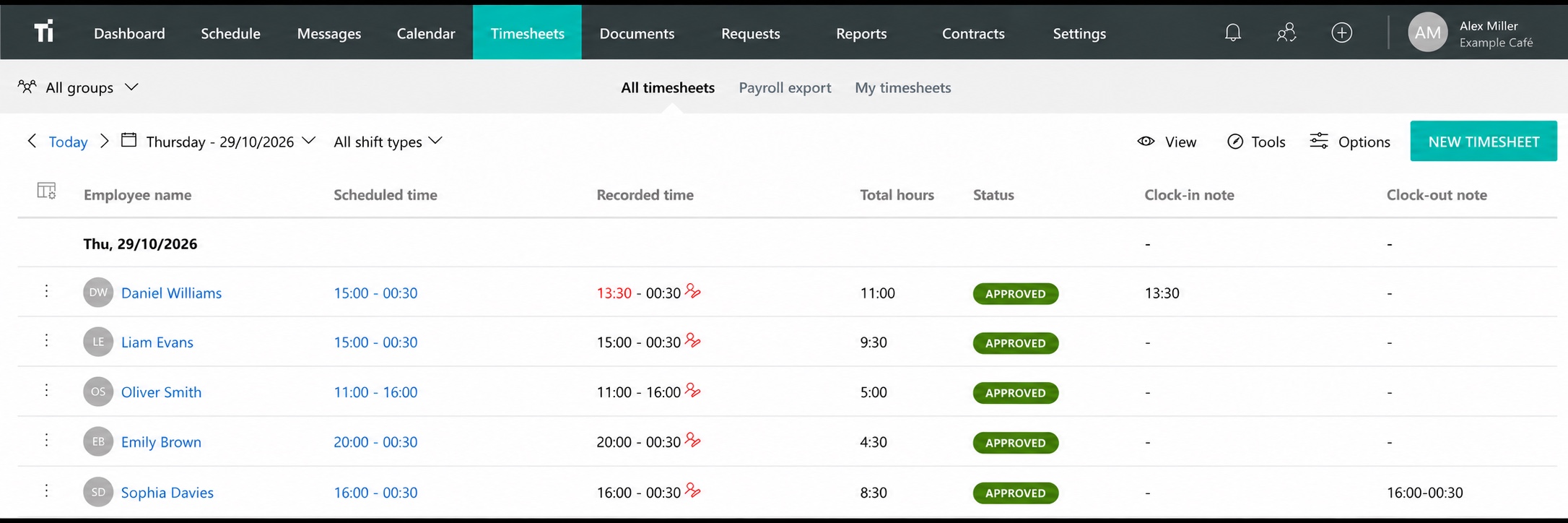
Review hours and corrections before payroll. Explore integration options for the payroll system you use.
Payroll and POS integrationsToRVEhallerne · Vejle
“The people behind TitanPlan have the ability to develop and adapt the system based on users' needs.”
Terje Thesbjerg · Owner and director, ToRVEhallerne A/S
ToRVEhallerne runs a hotel, restaurants and conference facilities in Vejle, Denmark. In 2019, the venue chose TitanPlan for shift scheduling and Intect for payroll. Bookkeeper Simon Vingum said that employees’ time records were transferred from TitanPlan to Intect, where they were automatically matched with the relevant pay codes. He told Intect this saved time on payroll.
The employee app
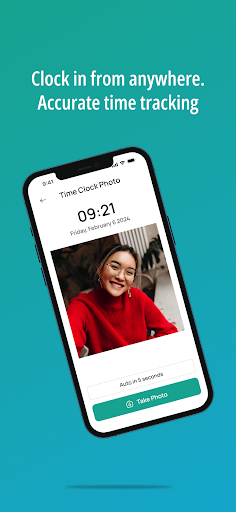
Employees can check their next shift, see changes and message coworkers in the TitanPlan app.
They can also request time off, suggest a shift swap and record their hours if your team uses mobile clock-in.
Industries
Start with suggested groups and shift templates, then adapt them to your workplace.
Pricing
Choose your team size and monthly or annual billing to see the price for your business.
TitanPlan Complete
€25/mo.
Billed yearly. €300 per year.
Up to 20 employees
Prices exclude VAT.
For each additional 10 employees€8 /mo.
Request a free trialA 30-day free trial by arrangement. No credit card to request it.
Choose your industry, enter your company details and review the suggested groups and shift templates. After you submit your request, our sales team will contact you about the next steps and help you set up access to the trial.
No. You don’t need a credit card to request a free 30-day trial.
Bring your current schedule to a demo. We can look at the best way to get started in TitanPlan.
Yes, for iPhone and Android. Employees can view shifts, record time and read and send messages.
Yes. Fill in the form on the “Request a demo” page. Tell us a little about your business and we’ll contact you to arrange a walkthrough.
Request a free trial and we’ll help you get set up. You can also ask for a demo based on the way your team works.