
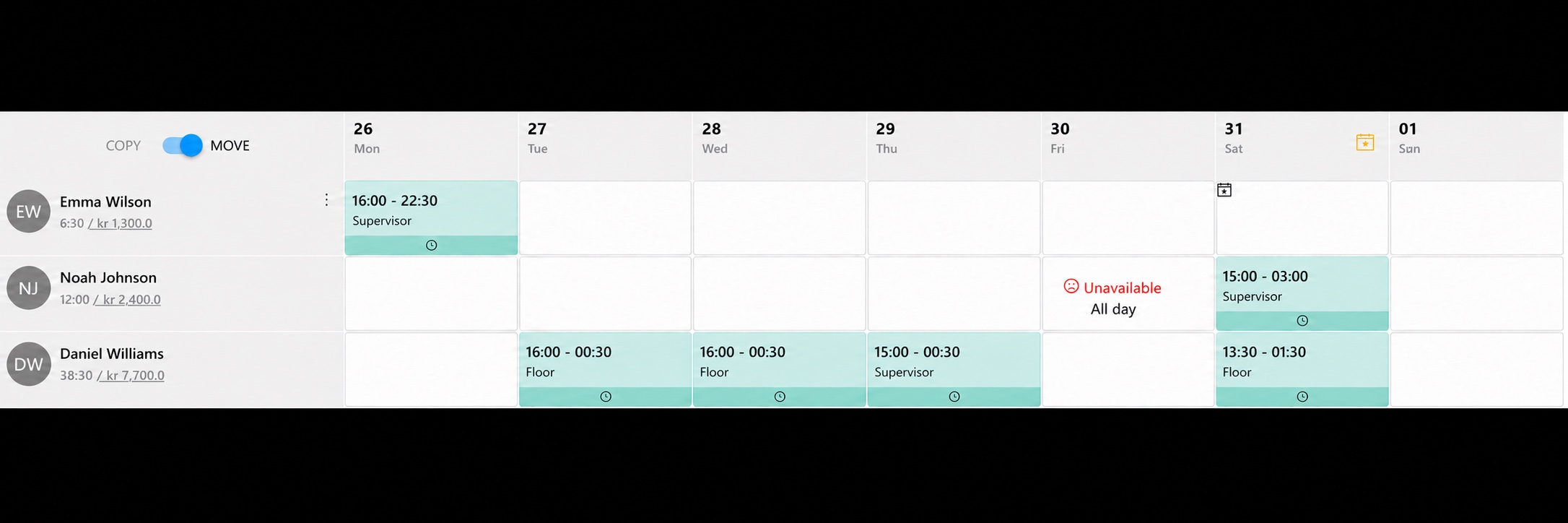
Move and copy shifts
Drag a shift to a different time or copy it to other days and employees.
Employee scheduling software
Assign shifts and roles, reuse templates and keep track of staffing. TitanPlan brings scheduling together so your team can find the updated plan.
30 days free. No credit card.
Get a free Excel schedule template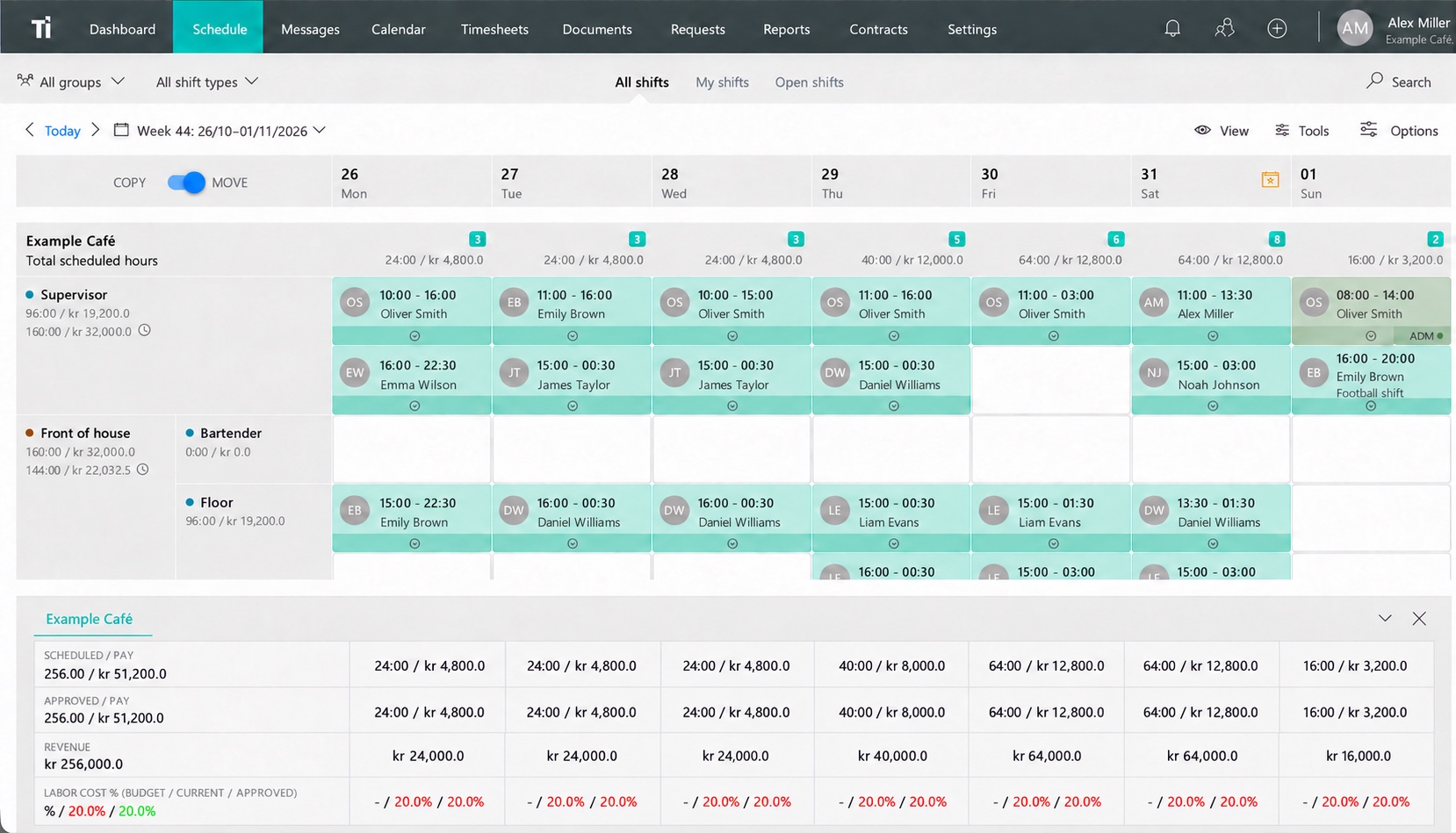
Staff scheduling
Reuse regular shifts and adjust them for bookings, time off and employee availability. Plan across departments and locations while keeping the full schedule in view.
When plans change, manage shift swaps and open shifts in TitanPlan. Bring in employee time tracking to follow the hours actually worked.
Drag a shift to a different time or copy it to other days and employees.
Save recurring shifts as a starting point for the next schedule.
See who is scheduled and which roles need cover.
Using Excel today? Talk to us about getting started with your current schedule.
You can reuse shifts and templates. Company setup suggests groups and shift templates; you add actual shifts to the calendar afterward.
Employee scheduling software keeps shifts, people and changes in one shared plan. Whether your team calls it a staff schedule or a rota, TitanPlan lets you assign roles, reuse shift templates and share the latest version with employees.
Build a schedule with your own employees and shifts. Start a free 30-day trial, or ask us to walk you through the first setup.
30 days free. No credit card.