
Download your timesheet
Use one file per employee and reporting period. Add the employee’s name and the period at the top, then fill in the pale input cells. Dates are blank, so you can use the template for any month or year.
There are 31 entry rows. Use separate rows for separate work intervals on the same date. Keep a blank original and make a fresh copy for each employee and period.
Enter the hours worked
- Date: Enter the date work starts, using a date Excel recognizes.
- Start and finish: Enter clock times such as 08:00 and 16:00. Use 00:00 for midnight.
- End day: Use 0 for the same date or 1 for the following date.
- Break: Enter the whole minutes to deduct, including 0 when none should be deducted.
- Input status: Resolve any message shown for an entry.
Complete the break field for every entry. The workbook flags unfinished rows and breaks longer than the work interval. It shows totals once the entered rows have valid inputs.
Check a day shift with a break
For work from 08:00 to 16:00 on the same date, enter end day 0. With a deducted break of 30 minutes, the result is 8.00 gross hours and 7.50 net hours.
These totals use decimal hours: 7.50 means seven hours and 30 minutes. Check another example with the hours and minutes converter. Use the break treatment agreed at your workplace.
Record an overnight shift
For a shift from 22:00 to 06:00, enter end day 1. A deducted 30-minute break gives 8.00 gross hours and 7.50 net hours. End day 0 produces an interval warning for this entry.
The sheet supports a finish on the same or following date. It uses local clock arithmetic, so check shifts affected by daylight-saving changes or different time zones separately. Keep an explanation of any agreed correction.
Review the period total
Check missing days, forgotten clock-outs and corrections with the employee. Compare with the schedule where useful, and record the time actually worked.
Enter a date in “7 days from” to total that date and the following six days. The period total covers all valid entries in the workbook. If you need more than 31 rows, use another copy or extend and check the formulas and summary ranges.
Use the timesheet review checklist before passing the hours on. The spreadsheet calculates hours; pay, supplements and working-time rules need separate handling.
Track hours with your team in TitanPlan
When separate files become hard to manage, agree who can edit entries, where corrections are explained and which file is current.
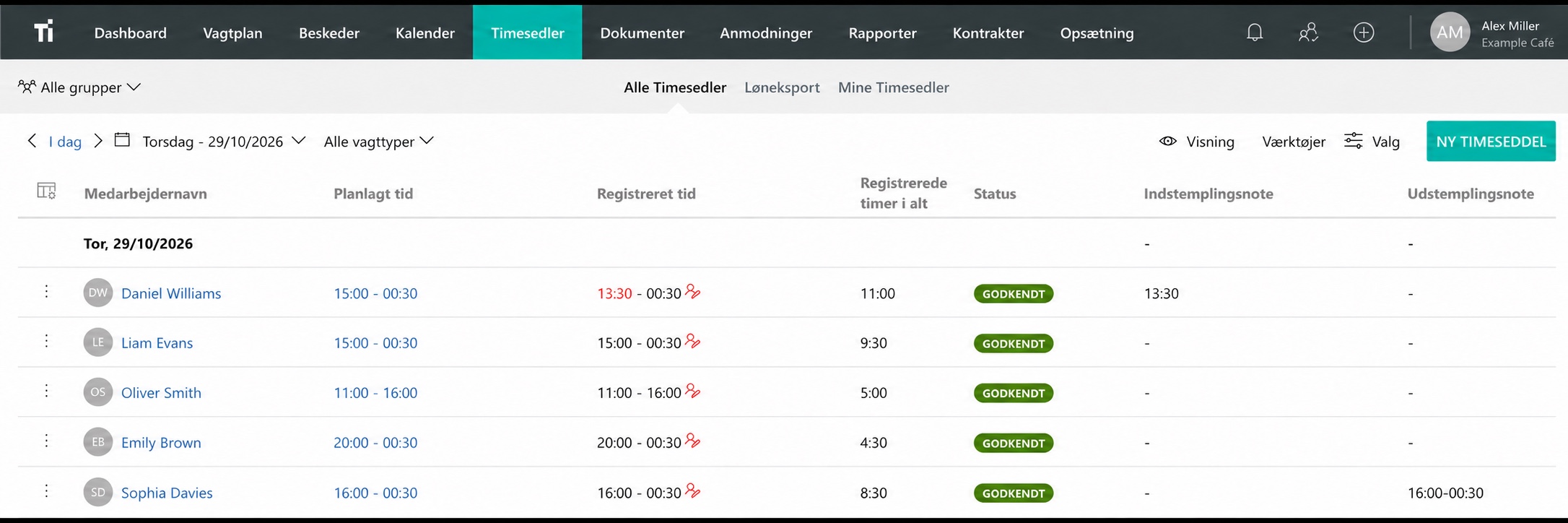
With TitanPlan time tracking, employees can record hours on a phone, shared tablet or in a browser, while managers review the records. Try a normal working week and compare it with your spreadsheet routine.
Questions and answers
Is the Excel timesheet free?
Yes. Download the .xlsx workbook without payment or sign-up. TitanPlan is a separate product with a free 30-day trial.
Can I record overnight shifts?
Yes. Enter end day 1 when the shift ends the following date. Check daylight-saving changes separately, because the sheet uses local clock arithmetic.
Can I use it to plan future shifts?
Use the weekly schedule template for planning. This timesheet records the actual hours worked.