
Start with the problems you want to solve
Write down the three tasks that cause the most difficulty today. Examples include employees missing schedule changes, managers handling swaps in private messages or payroll staff chasing missing hours.
Include someone who builds schedules, an employee who uses them and the person who reviews hours. Agree what a successful trial should show before you start.
Try the same four tasks
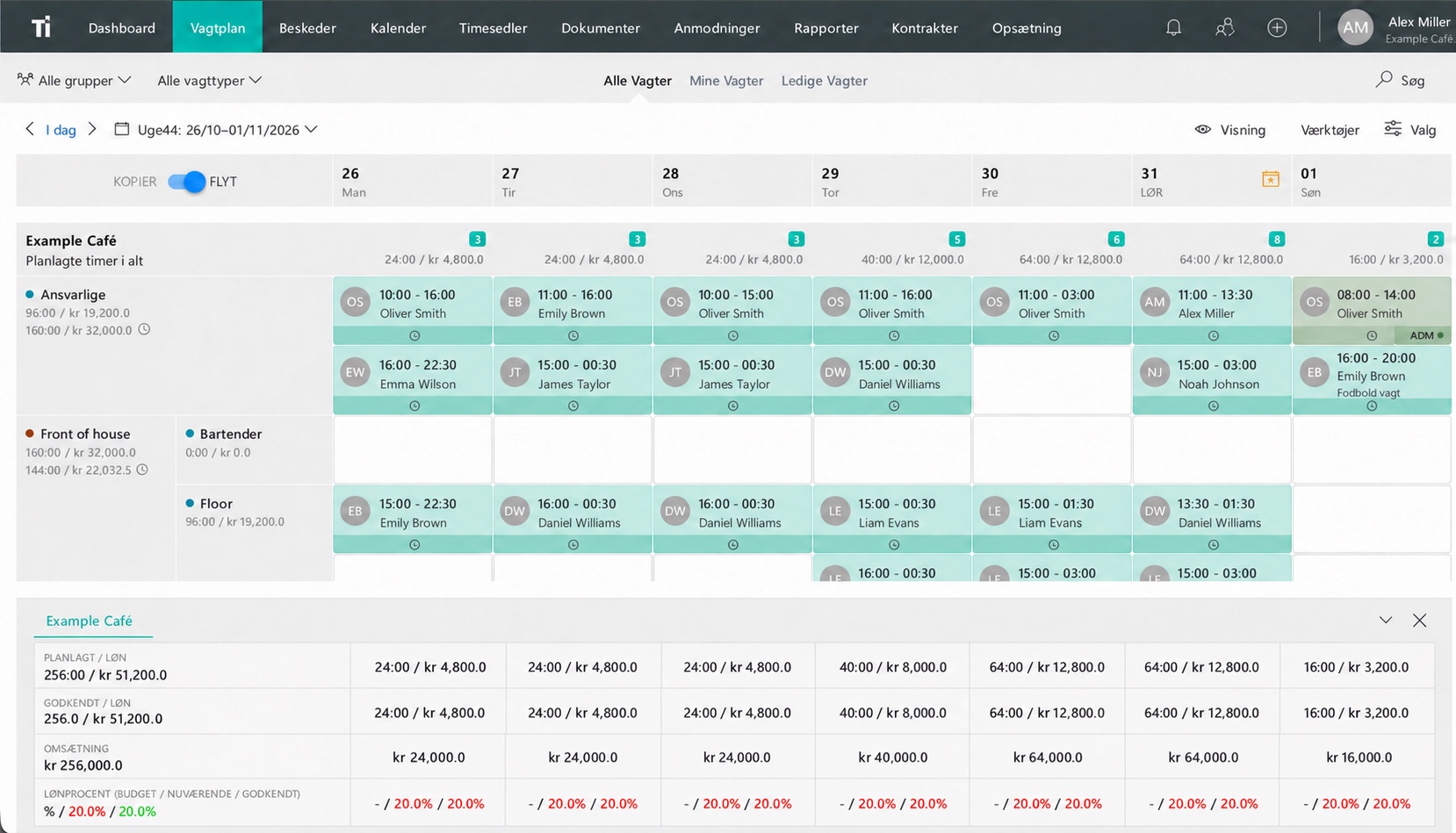
- Build a week with your usual roles and locations.
- Propose and approve a shift swap.
- Record a working day and correct a missed entry.
- Review the hours and show how they reach payroll.
Let the person who would normally do each task try it. Use sample details for the first walkthrough. Note where someone needs help and whether the instructions answer their question.
Record what you find
Use a short comparison sheet so you can discuss the trial afterward. Note completed tasks, answers and unresolved questions.
| Area | Question | Evidence |
|---|---|---|
| Schedule | Can the scheduler build the week? | A complete, understandable plan |
| Employee | Can someone find their next shift? | The task completed without help |
| Time | Can an incorrect entry be resolved? | A review people can explain |
| Integration | Does it fit your actual setup? | Specific confirmation |
| Rollout | Who helps you get started? | An agreed process and contact |
A score can help you compare options, but keep the reason alongside it. Knowing that an employee could find a changed shift without help is more useful than a number on its own.
Compare the full cost
Use the same team size and billing period when comparing prices. Check the features included, the price of additional employees and any setup or other charges relevant to your business.
Consider the time needed to introduce the system and keep it running. During the trial, measure a task you do regularly, such as publishing next week’s schedule or reviewing a pay period.
See TitanPlan pricing for your team size, and ask us about any specific setup or integration requirements.
Try TitanPlan with your team
TitanPlan brings staff scheduling, time tracking and team messages together, with apps for iPhone and Android. You can try it free for 30 days without a credit card.
Use the trial to work through your own routine. Ask an employee to find their next shift, make a change and review the hours with the manager. Discuss payroll and POS integrations in a demo, including the systems you already use.
If your current needs are simple, our Excel schedule template may be a useful place to start.
Decide how you will introduce it
Before the trial ends, review the original problems and the results of your tests. Record any answers you still need, who will handle the introduction and which team will start first.
A small rollout gives you time to answer questions. Use the first-week rollout guide to prepare the schedule, employee introduction and switch date.
Questions and answers
Which employee scheduling software is best?
Choose the option that handles your team’s work and requirements well. Compare the same scheduling, shift swap, time tracking and payroll tasks during each trial.
What should we ask to see in a demo?
Bring a typical week and a common change or correction. Ask the presenter to show the full process, including the employee’s view and your required integrations.
Who should take part in the trial?
Include a manager or scheduler, an employee and the person responsible for timesheets or payroll. Give each person the tasks they would normally handle.