
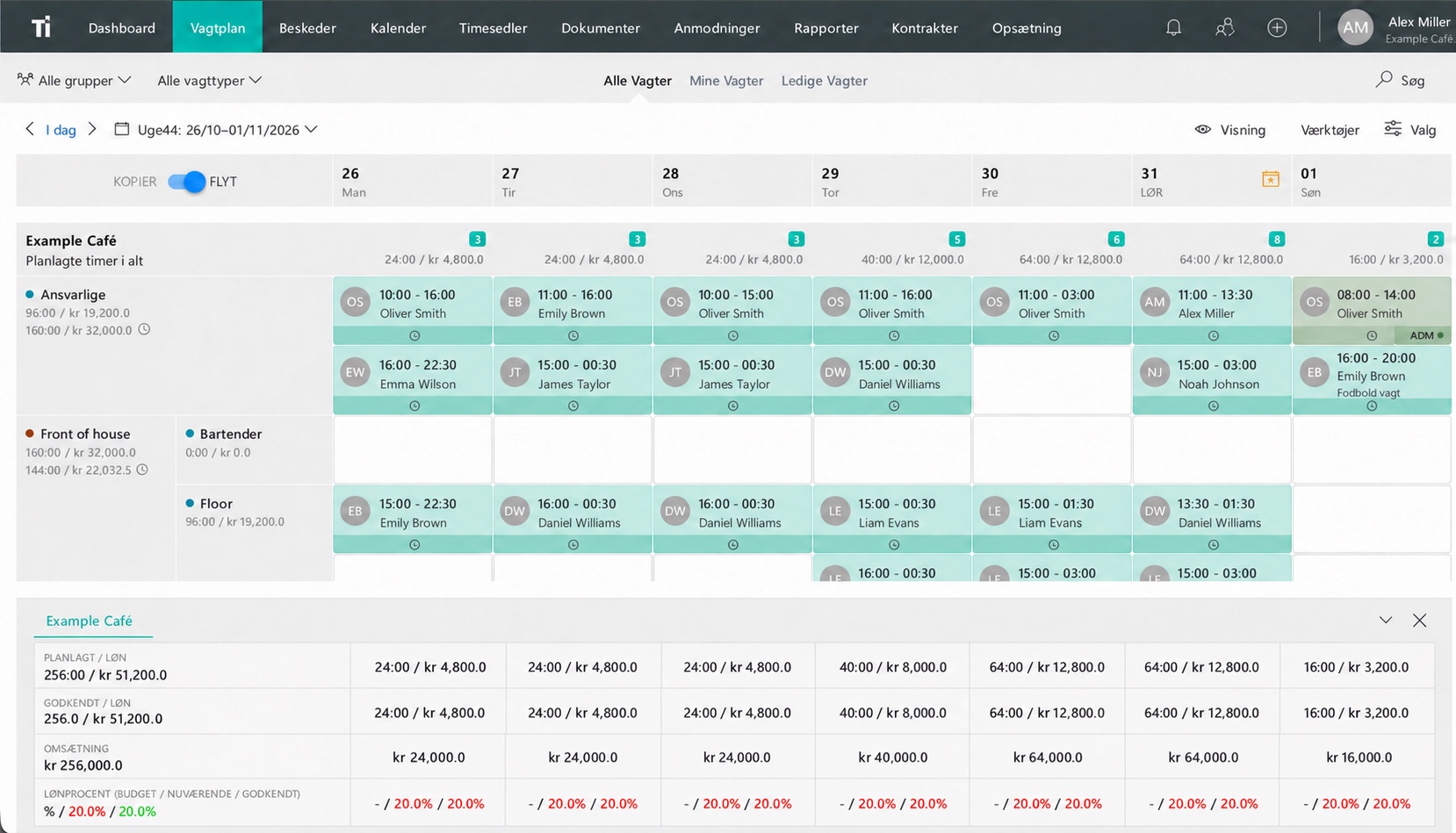
Choose the first team and the person responsible
Pick a department or team that can try a complete working week. Include employees with different levels of experience so you can see where instructions or help are needed.
Name a person who collects questions and shares the answers. Choose someone employees can reach during the rollout, and agree who helps when that person is unavailable.
Set a small number of goals for the trial: employees can find their shifts, understand a change and get help with a time entry.
Prepare the first schedule
Check employee details, departments, roles and the first week’s schedule before bringing the team in. Resolve questions about the setup while the group is still small.
Send a short introduction through a channel employees already use. Include the start date, the schedule location, the contact person and what happens to the old schedule.
Say which tasks are moving now. If the first stage covers scheduling, explain when time tracking will be introduced so employees know where to record hours in the meantime.
Let employees try the everyday tasks
- Find the next shift, including its time and location.
- Read a message about a change and check the updated schedule.
- Show how to ask for help or report a mistake.
If time tracking is included, have employees practice clocking in and out. Let the employee do the task while someone is available to answer questions.
Introduce other functions as they become useful. Employees are more likely to remember a step when it relates to the shift they are about to work.
Review the first week
Ask about specific moments: Was a changed shift easy to find? Did anyone miss an entry? Which instruction needed explaining? Review the manager’s work as well as the employee’s experience.
Fix the cause of each problem. An employee in the wrong group needs a setup correction. Uncertainty about approving a swap needs a clear decision about responsibility.
Share the useful answers with the whole first team. Set another review after they have tried a shift swap or completed their first timesheet review before payroll.
Make the switch date clear
During a trial you may need to compare the new schedule with the old one. Employees should still have one clear answer about which schedule to follow on each day.
Choose a switch date, keep the history you need and remove outdated links or files from the places used for current work. Tell the team where future changes will be published.
Try the TitanPlan app with your team
Use the TitanPlan app introduction to practice the tasks employees will use most. If you need help with setup or a particular integration, arrange a demo around those questions before expanding the rollout.
Questions and answers
How many employees should join the first trial?
Choose a defined team that can try a full working week and different roles. Include people who will need an introduction as well as experienced users.
What should employees learn first?
Where to find their next shift, how to check a change and who to contact for help. Add time tracking when it is part of the rollout.
Can we keep our old schedule during the trial?
Yes, if you need it for comparison. Make clear which schedule employees should follow and set a date for switching to the new one.